Front desk & bookings
Room bookings, check-in and check-out, guest details, online booking approvals and room invoices.
Front desk, restaurant orders, kitchen tickets, housekeeping, inventory, billing and reports, together in one simple app for your team.
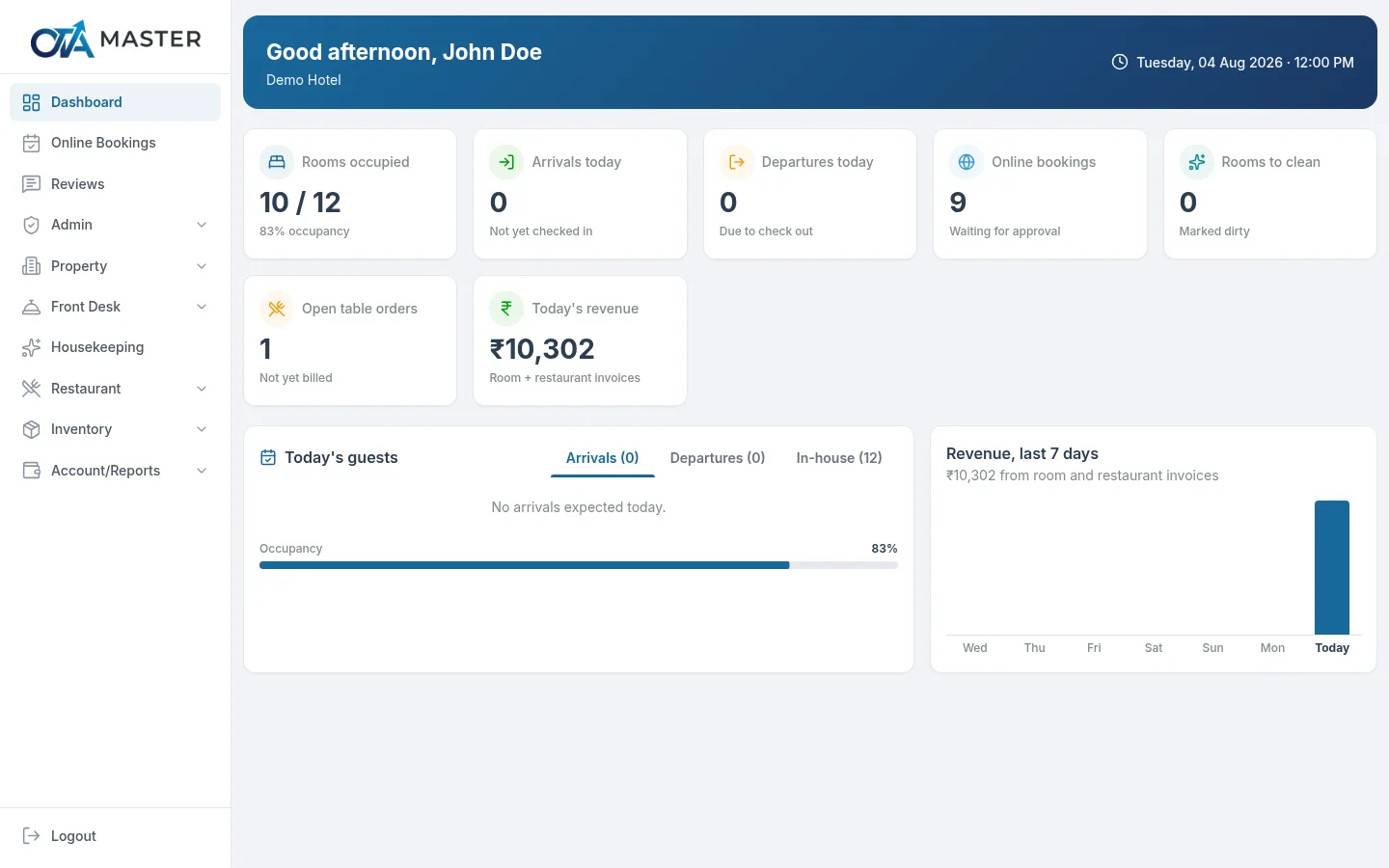
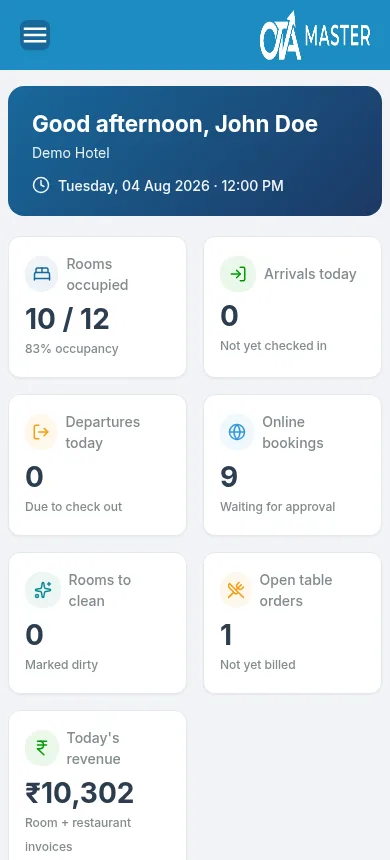
Every module your front desk, kitchen and managers use every day, in one login per staff member.
Room bookings, check-in and check-out, guest details, online booking approvals and room invoices.
Table orders, kitchen order tickets, room-service transfers, menu management and printed bills.
Live room status (dirty, cleaning, clean, inspected), staff assignment, notes and full history.
Items and categories, purchase and sales entries, and a stock report for any date range.
Restaurant and room invoices with GST, numbered automatically, printable on A4 or thermal printers.
Today's occupancy, arrivals and revenue at a glance, plus income & expense, invoice and booking reports.
Designed to be easy on the eyes through a long shift.
Install it straight from the browser. It opens in its own window, just like any other app.
Use Chrome or Edge on your computer, or Chrome on Android.
Your browser asks once. Click Install, and OTA Master is added like a normal app.
Launch OTA Master from your desktop, taskbar or home screen and log in with your staff account.
Log in with your staff account, or install the app for one-click access.